
Printing privileges are reserved for Art and Art History course-related projects.
Ink and paper use in the Ebert Digital Lab are linked to Art studio fees.
EXCEPTION: We can (with special permission and advance notice) allow printing of projects that are I.S. related and/or support the mission of the college, but originate from outside the Art Dept. Please use the following price guidelines. Payment and/or budgetary transfers can be arranged. Charges for printing include anything that you accidentally print.
Contact: Jodi Robison, Visual Resources/Technology Specialist in the Ebert Digital Lab with printing questions, special circumstances, large volume printing requests, unique paper and specific quotes. Plan projects at least a month in advance to ensure materials are available.
PRICE GUIDELINES (Printing in the Digital Lab outside of Class Lab fees)
Pricing below presumes prints range from 40-75% ink coverage per sheet. Cost for full coverage/full saturation projects or very minimal ink use projects will be re-quoted based on the following prices. (please note prices will fluctuate with our supply costs)
Lab Paper (Matte)
8.5″ x 11″ Epson Premium Matte $2.00 ea.
11″ x 14″ Epson Premium Matte $3.00 ea.
13″ x 19″ Epson Premium Matte $4.00 ea.
24″ wide (roll) Epson Premium Matte $5.00 / linear foot
Lab Paper (Gloss)
8.5″ x 11″ Satin or Gloss $3.00 ea.
11″ x 14″ Satin or Gloss $4.00 ea.
13″ x 19″ Satin or Gloss $5.00 ea.
24″ wide (roll) Satin or Gloss $6.00 / linear foot
Your Paper
8.5 x 11” $.50 ea.
11″ x 14″ $1.00 ea.
13″ x 19″ $2.00 ea.
24″ wide (roll) $3.00 / linear ft
Costs are based on Feb 2024 ink and paper costs at redrivercatalog.com.
Do not use borderless printing. If you need to print full bleed (edge to edge) please use larger stock and trim down.
Please ask for help. Printing in the lab must be supervised by staff, faculty, or a student lab assistant. The steps are unique to this lab and require careful attention to detail.
IMPORTANT: Before printing please read more about Paper and Ink.
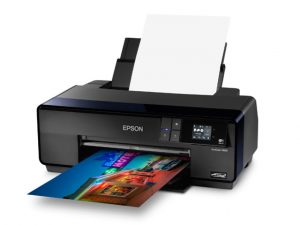
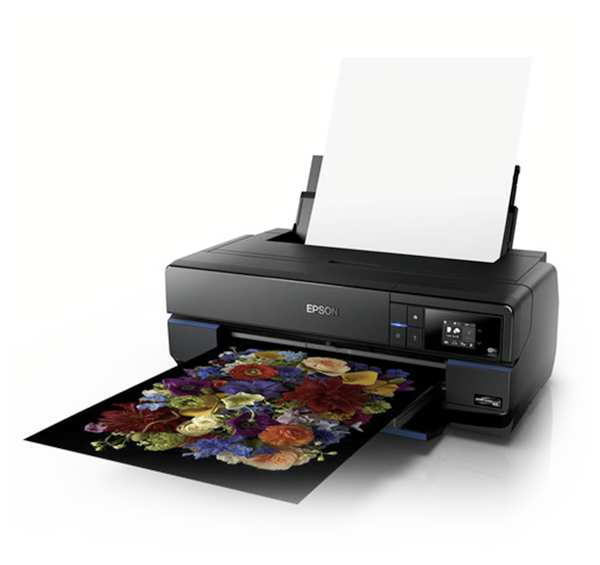
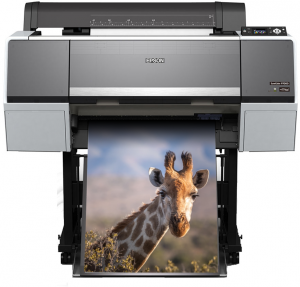
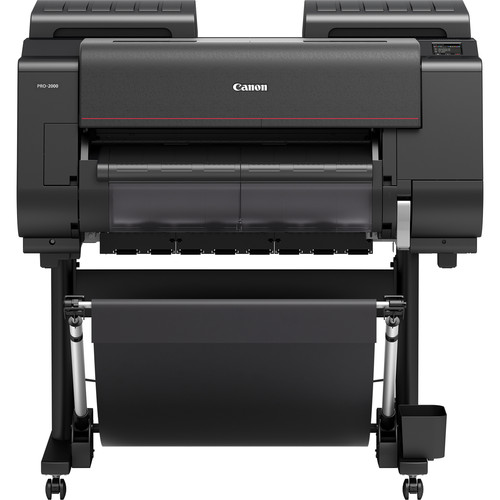
It is recommended that you print from the laptops in the lab, but if you need to print from your device you can find the printer drivers by clicking on the images below.

Printing Details
Improve print quality and avoid unnecessary frustration.
Printers in the Digital Lab use USB connection for printing. We do this so that full attention may be brought to the printing experience and so that critical printer capabilities and controls such as the media type, size, print quality, color, paper profiles, and paper feed adjustments are available. Repeated USB plug-ins sometimes cause multiple instances of the printers and scanners to appear in the printer and scanner list. That is why you will occasionally see printer series 1, 2, 3, etc..
Selecting the correct printer and ensuring you have the latest print driver selected is a very important part of the printing process. Below is a series of images to show you what you should see when you are printing. Your must be able to see the second tier of Printer Settings to make appropriate selections. Red River Paper Co. has provided some excellent tutorials (links below) that help us diagnose and find solutions to the challenges of art printing.
The images below presume you are choosing to use Photoshop to manage color, and selecting a printer profile.
Finding the Second Tier of Printer Settings
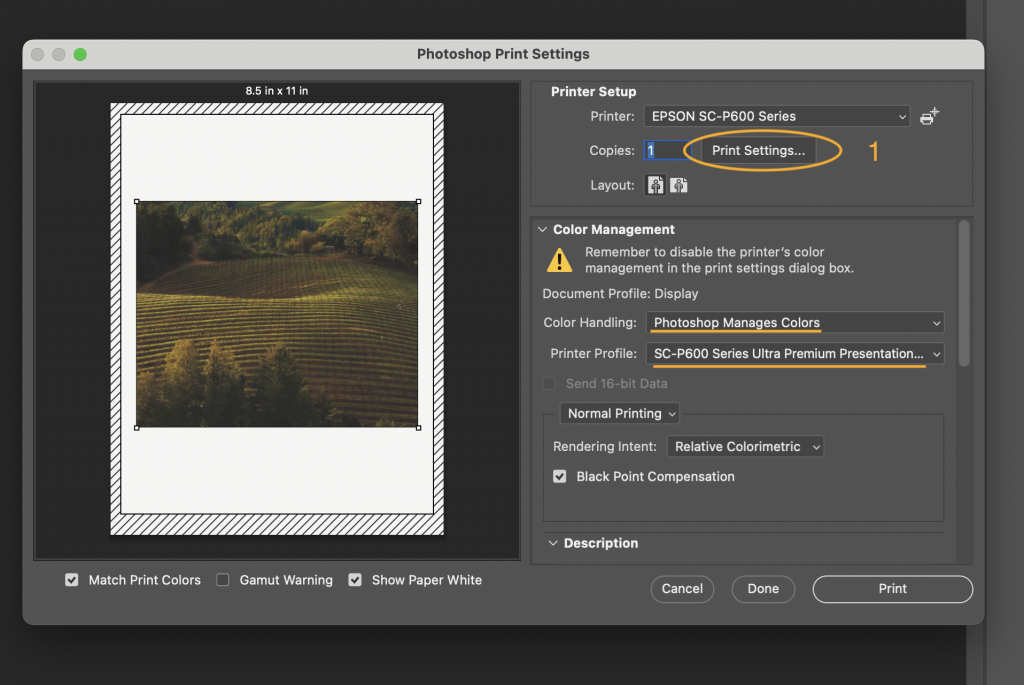
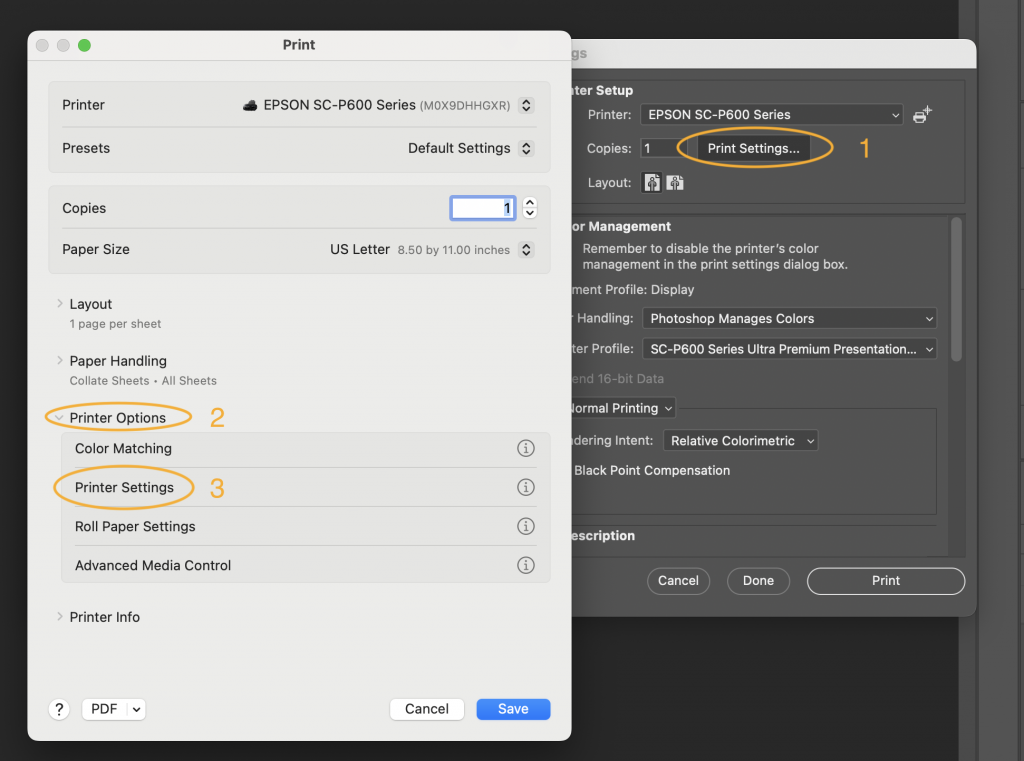
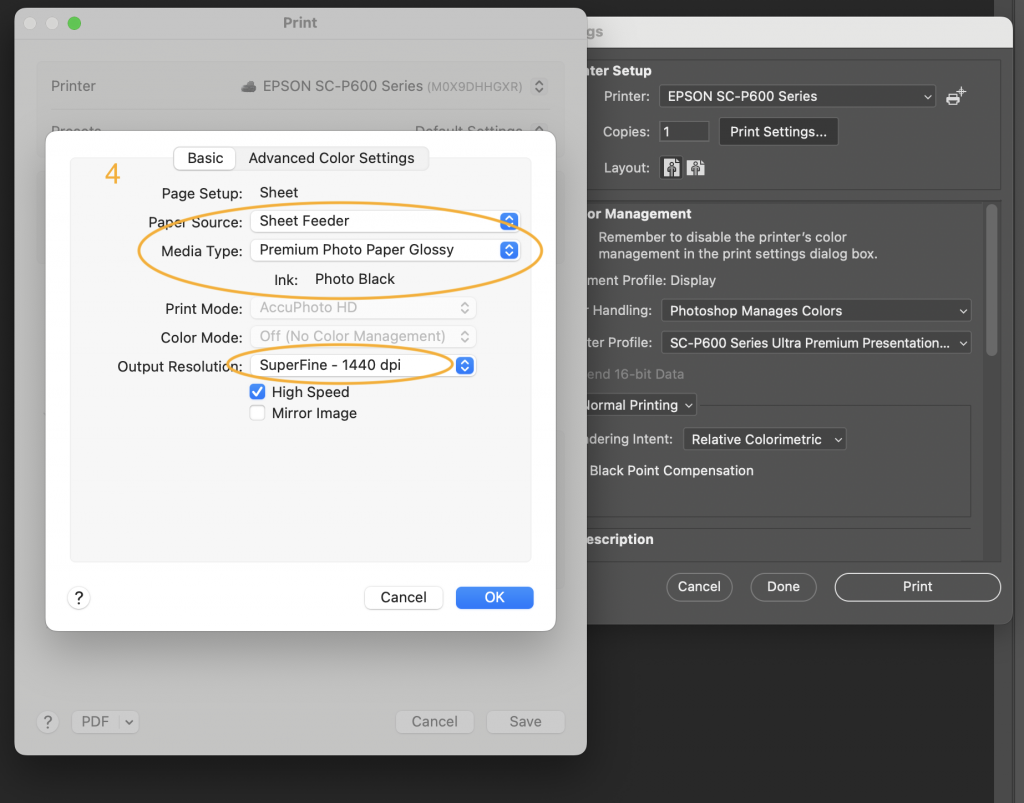
The above images may be different depending you your selections, but the goal is to get to the second tier of Printer Settings and make selections that are unique to your printing needs.
More information about Drivers:
To find the printer drivers installed on a Mac, you can do the following:
- Click the Apple icon in the top left of your screen
- Select System Settings
- Select Printers & Scanners
- Find your printer and click on it
- In the printer details, find the Driver Version
If you don’t see the Driver Version, you can scroll down to see all of the information.
Red River: How to Find Your Printer Driver Version in the Mac OS / OSX
Red River: Info Center
Stop back for more information to come.